

Sept 10 to Sept 16, 2026
Edit or delete repeating events on any calendar
Change one date or the whole series on Google, Outlook and iCloud, with times that stay put and a time zone button.
Repeating events, done right
Weekly gym, monthly rent: change one date or all of them, wherever the event lives.
- This event or All events. Deleting or editing a repeating event on Google, Outlook or iCloud now asks which one you mean. Dragging an event to the trash asks the same question.
- Replies cover the dates you pick. When someone invites you to a repeating event, Conmigo asks whether your answer is for this date or every date. This now works for iCloud invites too.
- Your changes in Google and Outlook show up. Rename a series or move its time on Google Calendar or Outlook and Conmigo follows. Replies you give to a single date on your iPhone show up too.
- Series stay whole. Weekly events made in Conmigo now reach Google as one series instead of one date. Editing all events keeps the first date and any dates you moved or cancelled.
Times that stay where you put them
Saving an event no longer moves it.
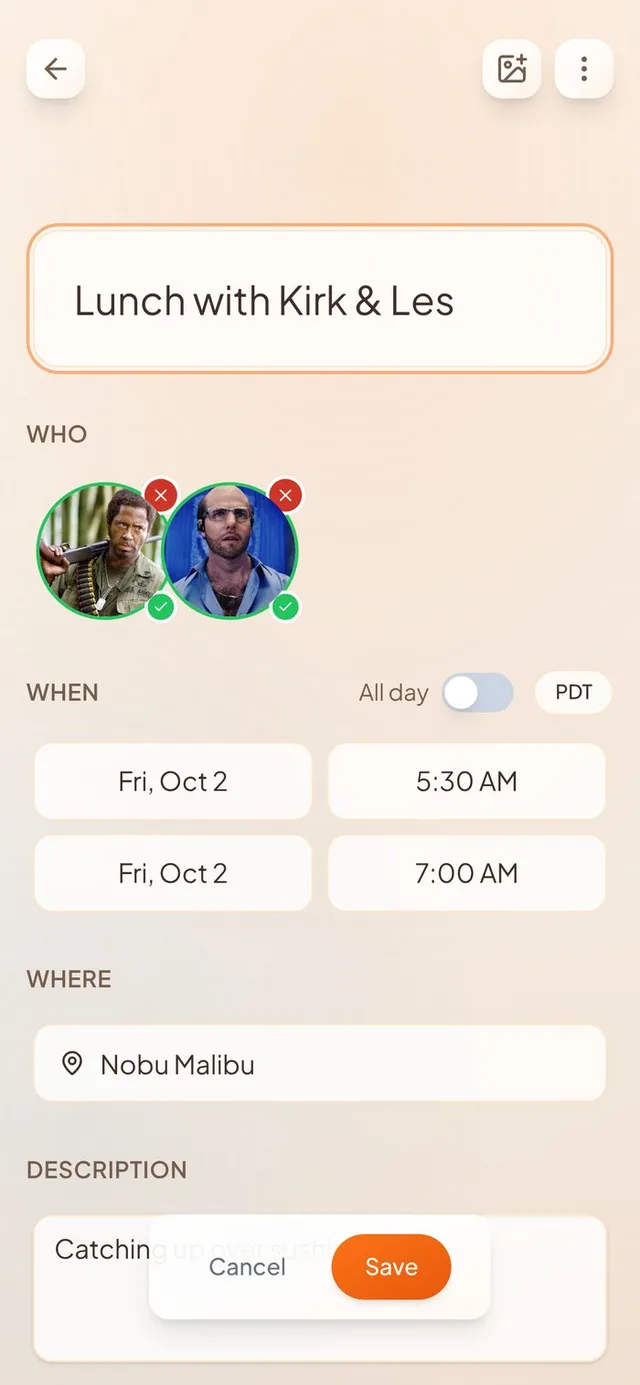
- A time zone button. The event editor shows which time zone you are typing in, next to the All day switch, and lets you change it. Dinner at 9pm in Barcelona can now be entered as 9pm.
- Renaming does not shift the time. Saving from a phone in another time zone used to move the event, even if you only changed the title. It now keeps the event's own zone.
- All-day events stay all-day. Birthdays and days off no longer turn into timed events after a save. This covers Google, Outlook, iCloud and calendar files, and the iPhone widget and the Where map now show them as All day.
- iCloud gets the right event. Events you create or move onto an iCloud calendar land at the right time, with the right days and repeat.
Clearer steps and permission help
Clearer steps, and a way back when you say no to a permission.
- Notifications are asked once, at the right time. The permission box now appears on the notifications step, after we explain why. The dentist reminder is the first example.
- A way back after Don't Allow. Wherever a blocked notification, location or camera setting stops something, Conmigo links you to its page in iPhone Settings.
- Friends already on Conmigo come first. From contacts now puts people who already use Conmigo at the top with a Connect button. You also get a notification when someone you saved joins, which you can turn off in Notification settings.
Easier to get around
Small touches that add up on a phone.
- Swipe from the left edge to go back. It works on events, Settings pages, onboarding steps and People groups, and does what the back arrow does.
- Titles always fit. Calendar, Settings and your name stay on one line in full, even on the smallest iPhones.
- Overlapping events in Week view. Events that overlap now stack like Google Calendar, so long events stay readable.
Smaller improvements
A few more fixes.
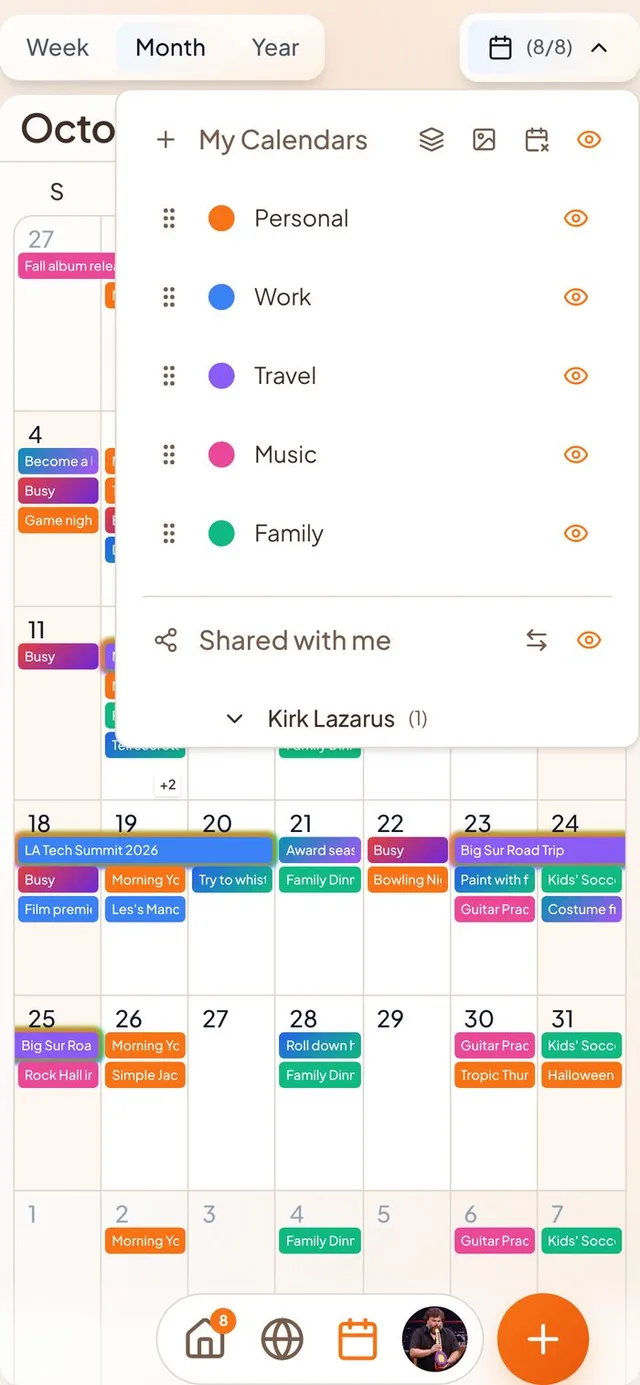
- Rename a sharer's group in Shared with me by double tapping it, and its title now matches My Calendars.
- Moving profiles no longer show as a black circle on newer iPhones.
- Swipe the in-app banner left, right or up to dismiss it.
- Invite links now open properly inside the iOS app.
- Outlook saves no longer replace an event's description.