

June 11 to June 17, 2026
Show your events on the Where map with Open Invite
Open an event to friends and it shows on their map. Conmigo also adds Outlook calendars, a new welcome flow and faster ways to clear people.
Events on the Where map
Plans with a place now live on the map, not just on your calendar.
- Your events are pins. Every upcoming event with a place appears on the map as a card with its cover photo, title and time. Tap one to open the event and answer it.
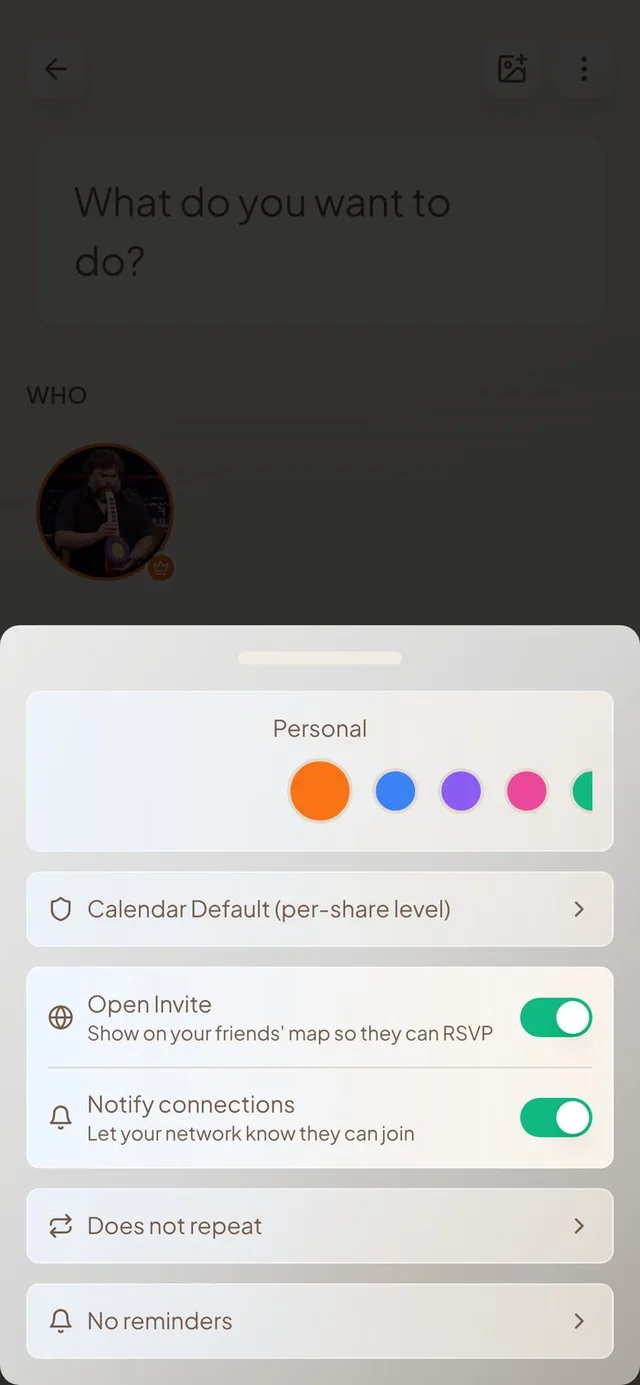
- Open Invite. Switch on Open Invite in an event's options and the event shows on the map of every confirmed friend. They can open it and say they're coming, even without a shared calendar.
- Let your network know. When you open an event, your friends get a notification on their phone that they can join. A second switch lets you keep an event on their map without sending the alert, and friends can turn these alerts off in their own settings.
- Cleaner cards. Cards that sit close together now slide apart as you zoom in, with a line back to the real spot. Events that already ended leave the map, and your home now shows as a little house on a cloud.
Outlook calendars
Microsoft Outlook now works the way Google and Apple calendars do.
- Connect Outlook. Add your Outlook calendar from Settings and your events show up in Conmigo. Tap Sync Now to fetch them right away and watch the progress. A failed connection tells you what went wrong.
- Changes go both ways. Edit an event in Conmigo and it updates in Outlook, and the other way round. Repeating events are included.
- No more double events. Events you create in Conmigo no longer come back as a second copy from Google, Outlook or Apple, even if the other calendar changes the title or the start time a little.
A new welcome flow
Setting up takes fewer steps and gets you to your friends faster.
- Pick up where you left off. Connect your calendars, bring your friends, then you're all set. You can skip any step and come back to it later.
- Find friends in your contacts. Adding contacts now shows which of them already use Conmigo, so you can connect with them in a tap.
- Your own invite link. Each person gets a personal link. Anyone who joins through it becomes your friend automatically.
Your people, easier to manage
Clearing out a big group no longer means removing people one by one.
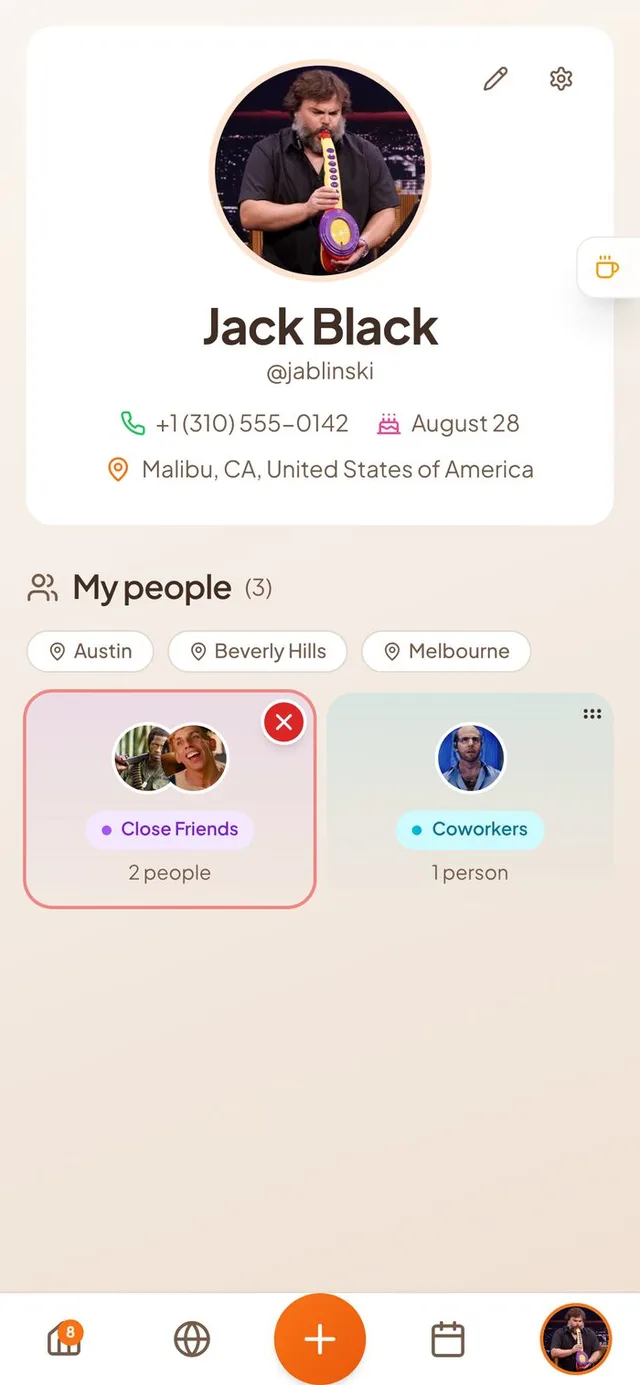
- Remove a whole group. Press and hold a group on the My people page, then tap the red button to remove everyone in it. Or press and hold one person and tap others to remove several at once.
- Undo. After a removal you get a few seconds to tap Undo. Your people and their shared calendars come back.
- Last seen. When two friends who share live location spend time near each other, a “Seen … ago” label shows under their name, on the People page and in their profile.
Smaller improvements
A few more fixes.
- Events you declined are hidden from your calendar and lists, with a switch to show them again.
- Itineraries: drag your own synced events in, pick several events at once to add, and see events grouped by day.
- Year view month names and day numbers no longer bleed into each other.
- Google calendars keep the colour they have in Google.
- Adjust your profile photo without choosing it again.
- Home cards show the right start time and day label for events in other time zones.
- Invite links made on iPhone now open properly for the people you send them to.