

June 4 to June 10, 2026
Group your calendars and drag events to move them
Sort your calendars into groups, then move or add events by dragging them. Conmigo also opens faster and works offline.
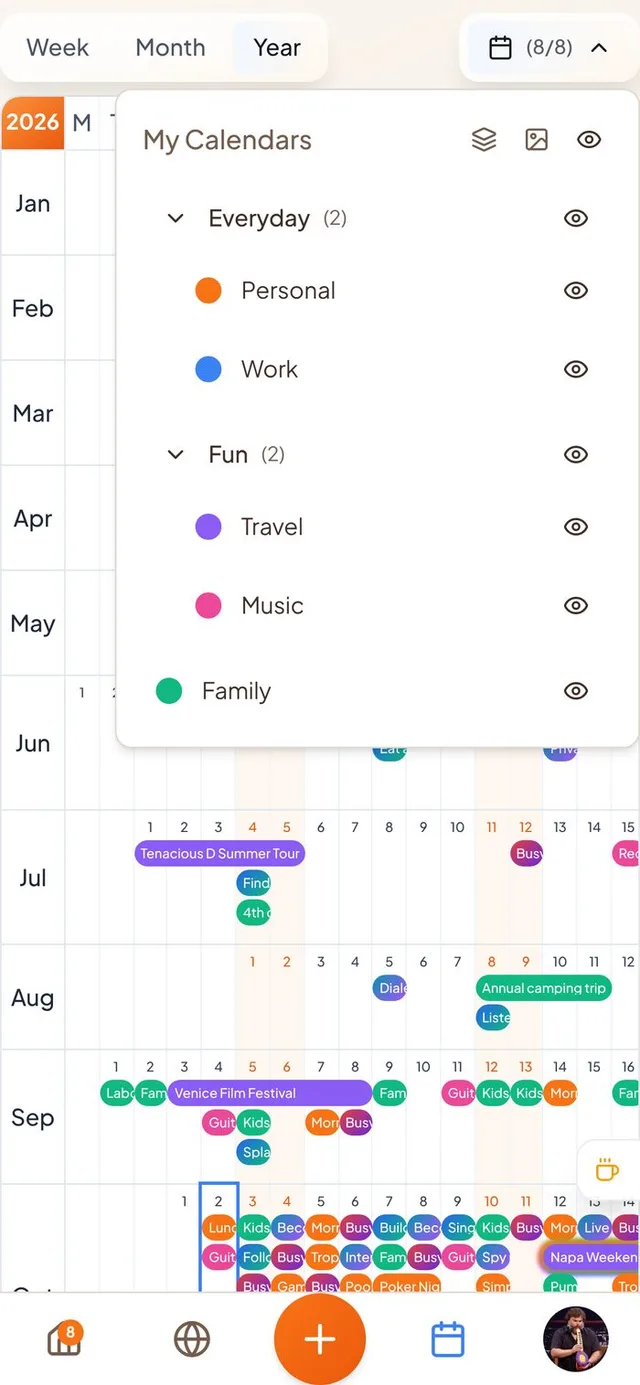
Calendar groups
Lots of calendars? Sort them into groups you name yourself.
- Drag calendars into groups. Press and hold a calendar in the Calendars menu, then drop it on a group. Drop it on “New Group” to start a new one. Drag a calendar out to ungroup it.
- Reorder everything. Drag groups and the calendars inside them into the order you like. A group disappears when you drag its last calendar out.
- Collapse and hide in one tap. Fold a group away with its arrow, rename it with a double tap, or use its eye to show or hide every calendar inside it.
- Shared calendars remember. Hiding a calendar someone shared with you now sticks, instead of coming back when you leave the screen or sign in again.
Move and create events by dragging
Press and hold, then drag, like in other calendar apps.
- Move an event. Press and hold an event in the week, month or year view, then drag it to a new time. Events you own that sync with Google or Apple Calendar can move too, and the change goes back to them.
- Create an event. Press and hold an empty spot, then drag to choose the time or the dates. The new event form opens already filled in.
- A gentle buzz. Your phone ticks as you drag across times, and buzzes right away when you pick up an event that can't be moved.
- Repeating events. You can cancel, move or change a single day of a repeating event, and its reminder follows.
A faster calendar that works offline
Your calendar is there when you open the app, even with bad signal.
- Instant calendar. The app keeps your latest events on your phone, so your calendar shows right away and you can look at it with no connection. Opening the app after a long break no longer leaves it empty.
- Create events offline. New events appear straight away and send themselves when you are back online, without duplicates.
- Google reconnect. If your Google connection expires, Settings now tells you to reconnect instead of your Google events quietly disappearing.
Still Planning, house markers and privacy
Small changes to what you see first on Home and Where, and in Settings.
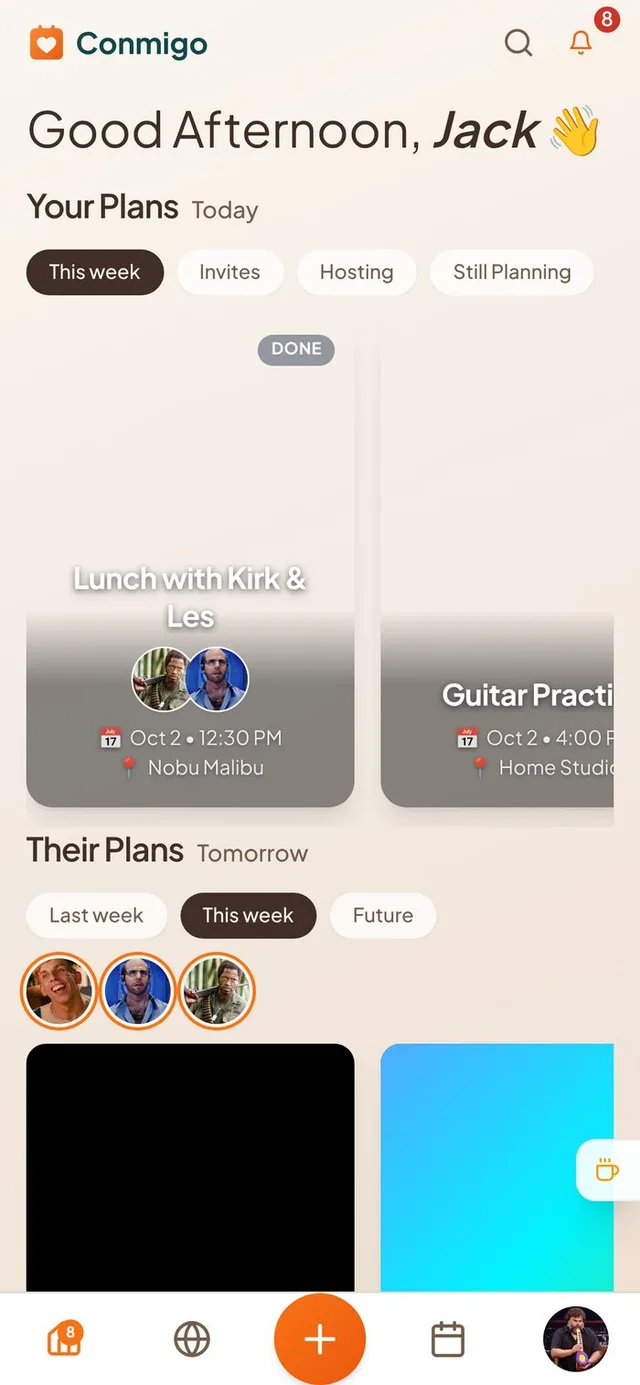
- Still Planning tab. Your Plans has a new Still Planning tab. It is empty for now while we build the way to mark events as still being planned.
- A house for friends who are away. On the Where map, a small floating house shows a friend's home when they are somewhere else, if they share their live location and full address.
- Privacy settings split. Settings now has a Privacy page for your address and live location, and a Preferences page for time zone, notifications and the AI options. AI options start switched off.
Smaller improvements
A few more fixes.
- Your profile address wraps onto two lines instead of running off the card.
- A repeating event no longer hides your other plans on Home.
- The filter buttons on Home no longer jump sideways when you tap them.
- The Conmigo logo is back at the top of Home.
- Tapping your picture opens the People pane on Home, Where and Calendar.
- Friends' photos on the map load more reliably on iPhone.
- Smart scheduling suggestions work again when the AI option is on.